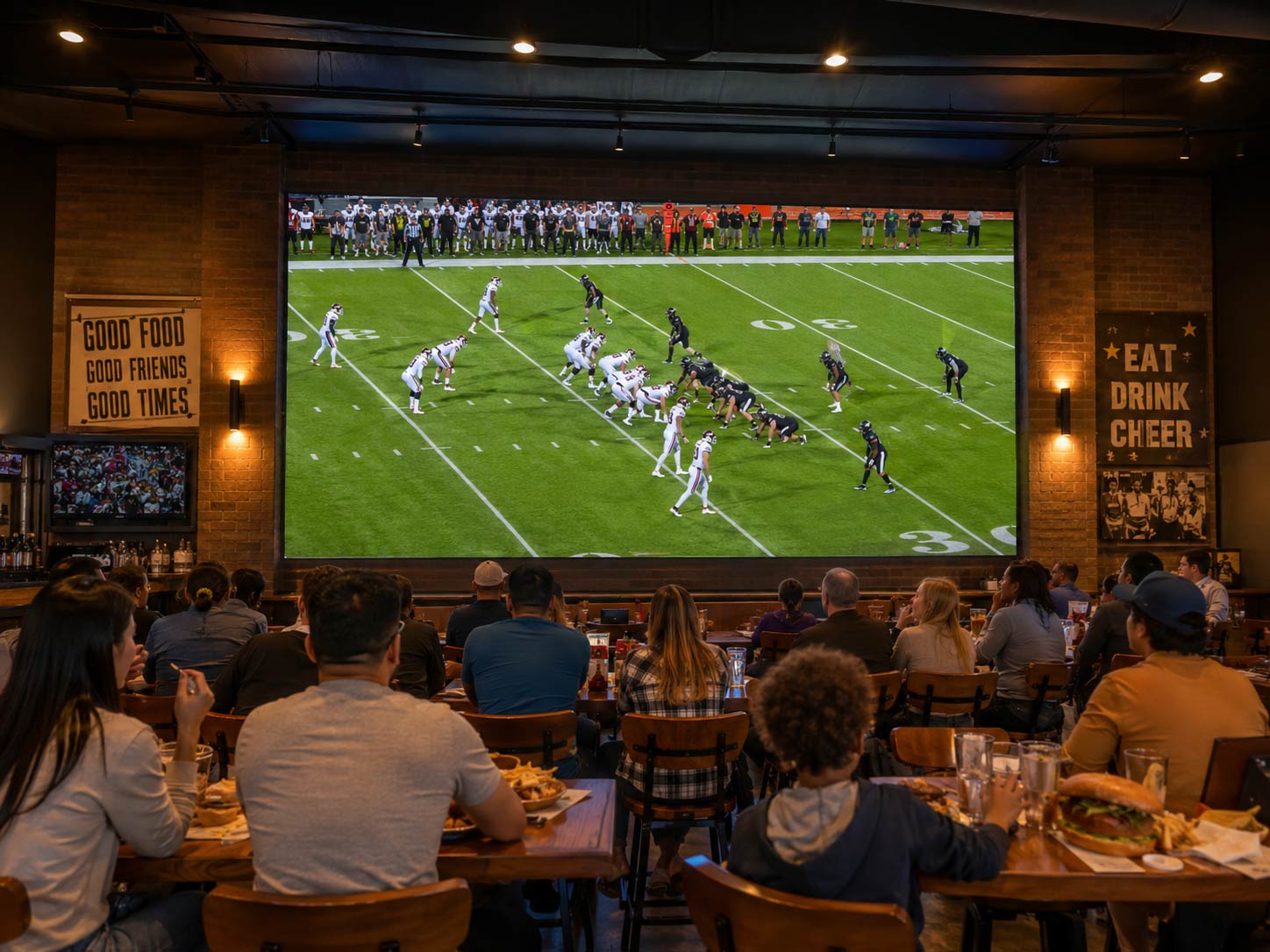
A wall can look flawless in person yet show flicker, banding, moiré, uneven color, or blown-out highlights on camera. Broadcast sensors respond differently to light and pixel patterns than the human eye, so a screen that impresses visitors may still cause problems during production.
That is why LED video walls for corporate studios should be planned around camera settings, studio lighting, and content; not appearance alone. A camera-ready studio starts with the shot, not the screen.
Design the LED Screen From the Camera Position Backward
Camera Distance Changes the Pixel Pitch Decision
In a compact studio, cameras may capture both close-ups and wide shots from only a few feet away. Test the actual camera positions and lenses before selecting LED display packages. A finer pixel pitch can help minimize visible pixel structure and moiré, but the best choice depends on framing and distance.
Resolution Should Match the Production Canvas
Modular LED screens do not always match standard video resolutions such as 1920 × 1080 or 3840 × 2160. Confirm the wall’s native pixel canvas with the integrator and content team, then prepare slides, backgrounds, lower-thirds, and animations to fit without unwanted scaling or cropping.
Leave Room for the Camera, Not Just the Audience
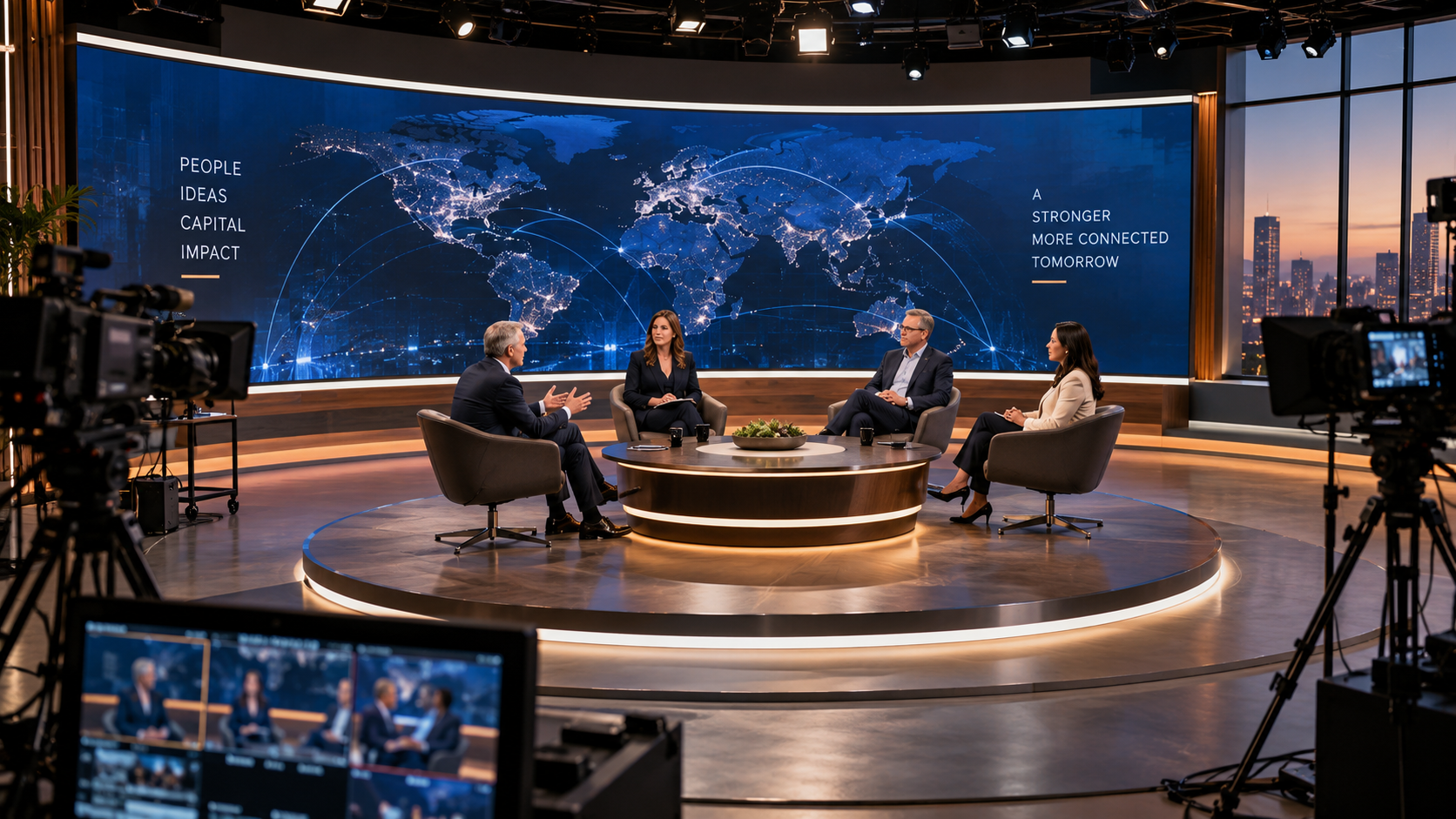
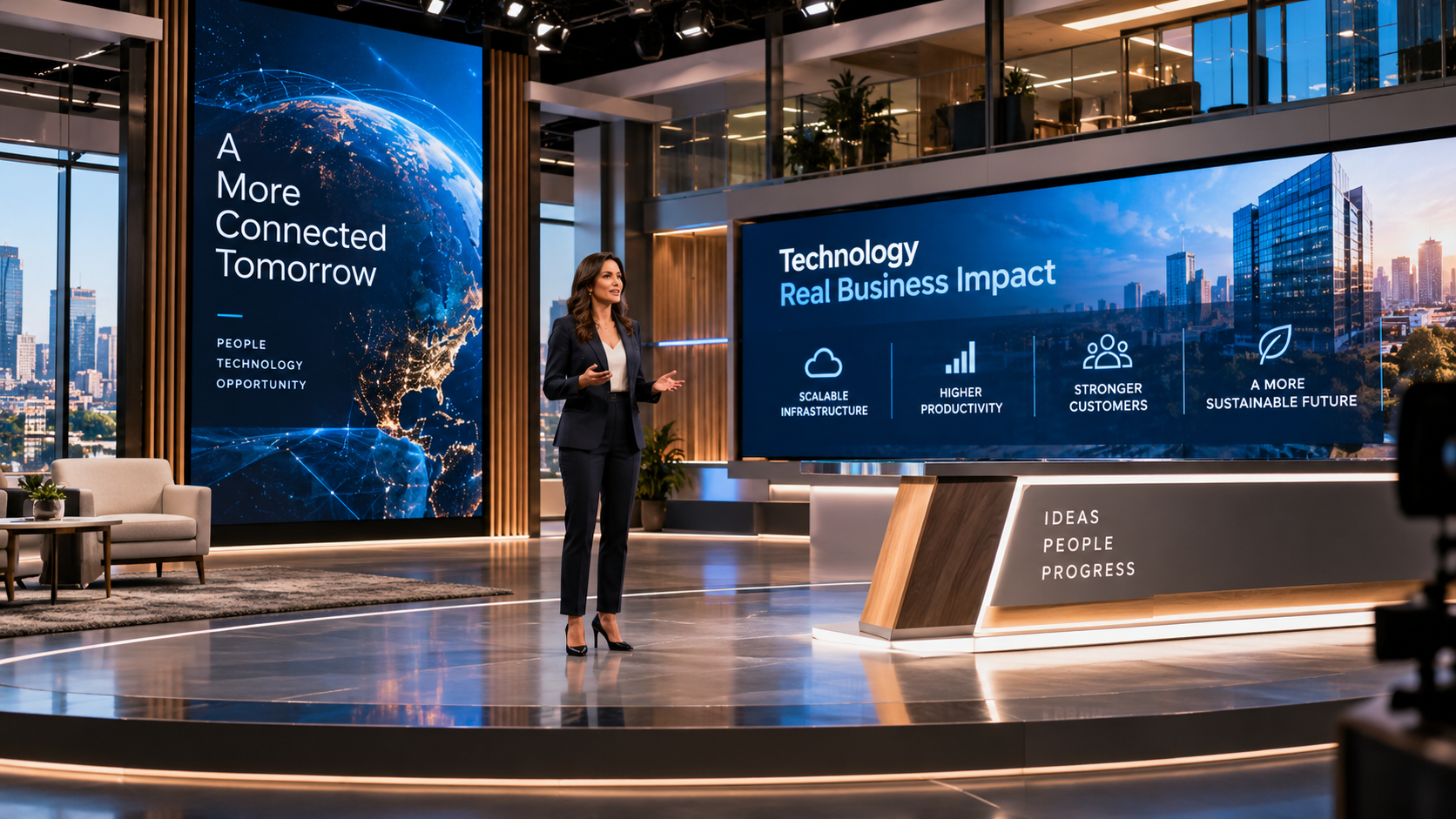
Plan framing, headroom, presenter movement, and space for product demonstrations before fixing the installation layout. Allow clear sightlines for multiple speakers and room for lower-thirds or virtual graphics. A striking backdrop is of little use if the camera cannot capture a clean shot.
Make the LED Display Behave Like Part of the Camera System
A High Refresh Rate Is Only the Starting Point
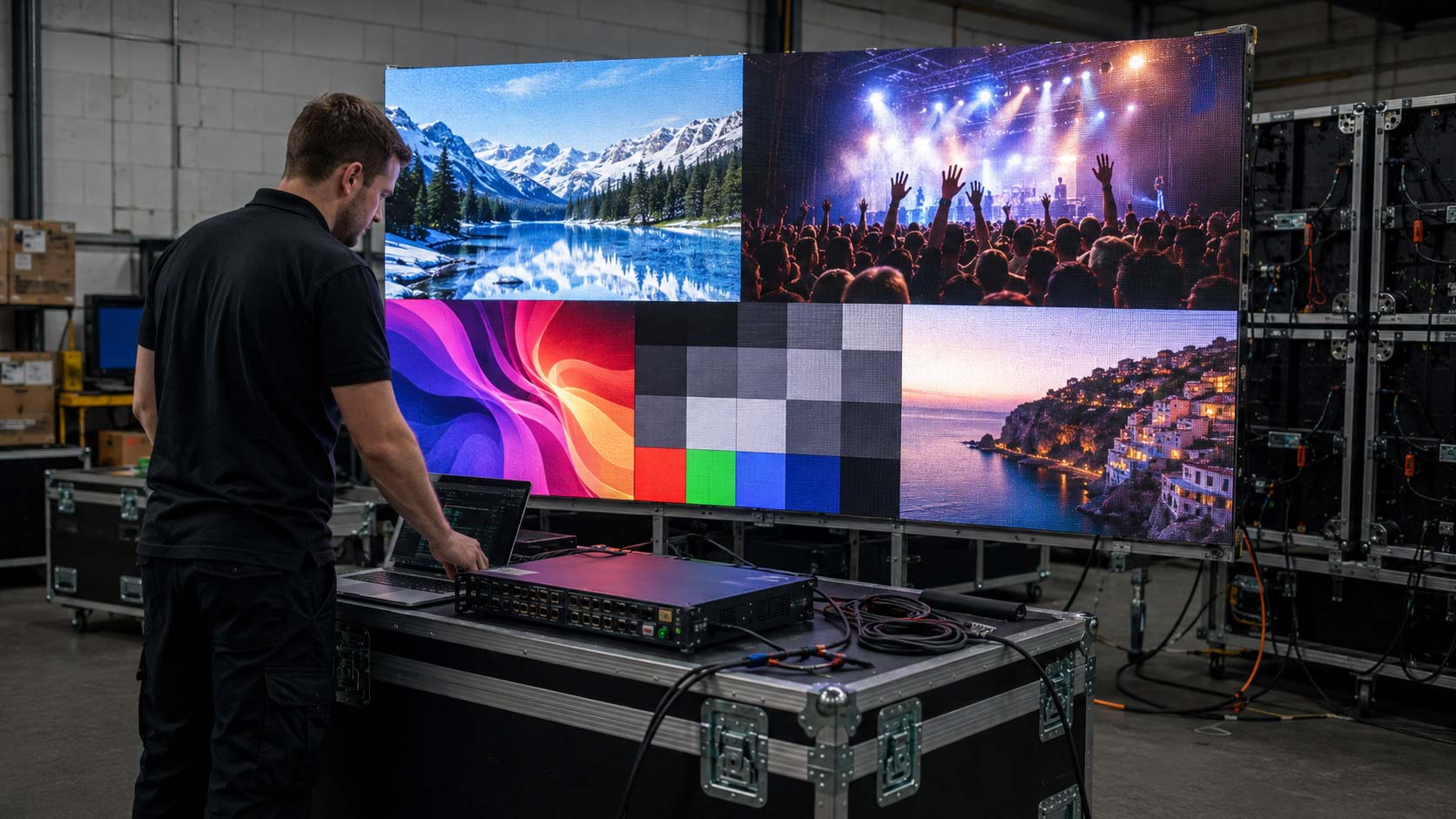
A high refresh rate helps, but shutter speed and camera frame rate must also be tested. Even premium LED panels can produce flicker or scanning artifacts when the camera, processor, and screen settings are not properly matched.
Genlock Can Keep the Screen and Camera in Step
In demanding productions, compatible cameras and video processors can share a Genlock reference. Proper synchronization helps reduce timing-related artifacts and keeps the signal chain aligned. Confirm equipment support before making Genlock part of the studio specification.
Color Accuracy Protects the Corporate Brand
Studio lights and camera processing can alter brand colors and skin tones that look correct in person. Calibrate white balance, color temperature, gamma, grayscale, and module output under the final lighting conditions. Judge the result through the production cameras, not just by eye.
Brightness Should Serve the Camera, Not Fight It
Excessive brightness from LED displays can clip highlights, wash out faces, and overpower the presenter. Set luminance for camera exposure, then balance studio lighting and background content around it. Most indoor studios do not need the intensity of an outdoor display.
Build a Content Workflow That Does Not Depend on One Laptop
Decide What the Screen Needs to Show During a Real Broadcast
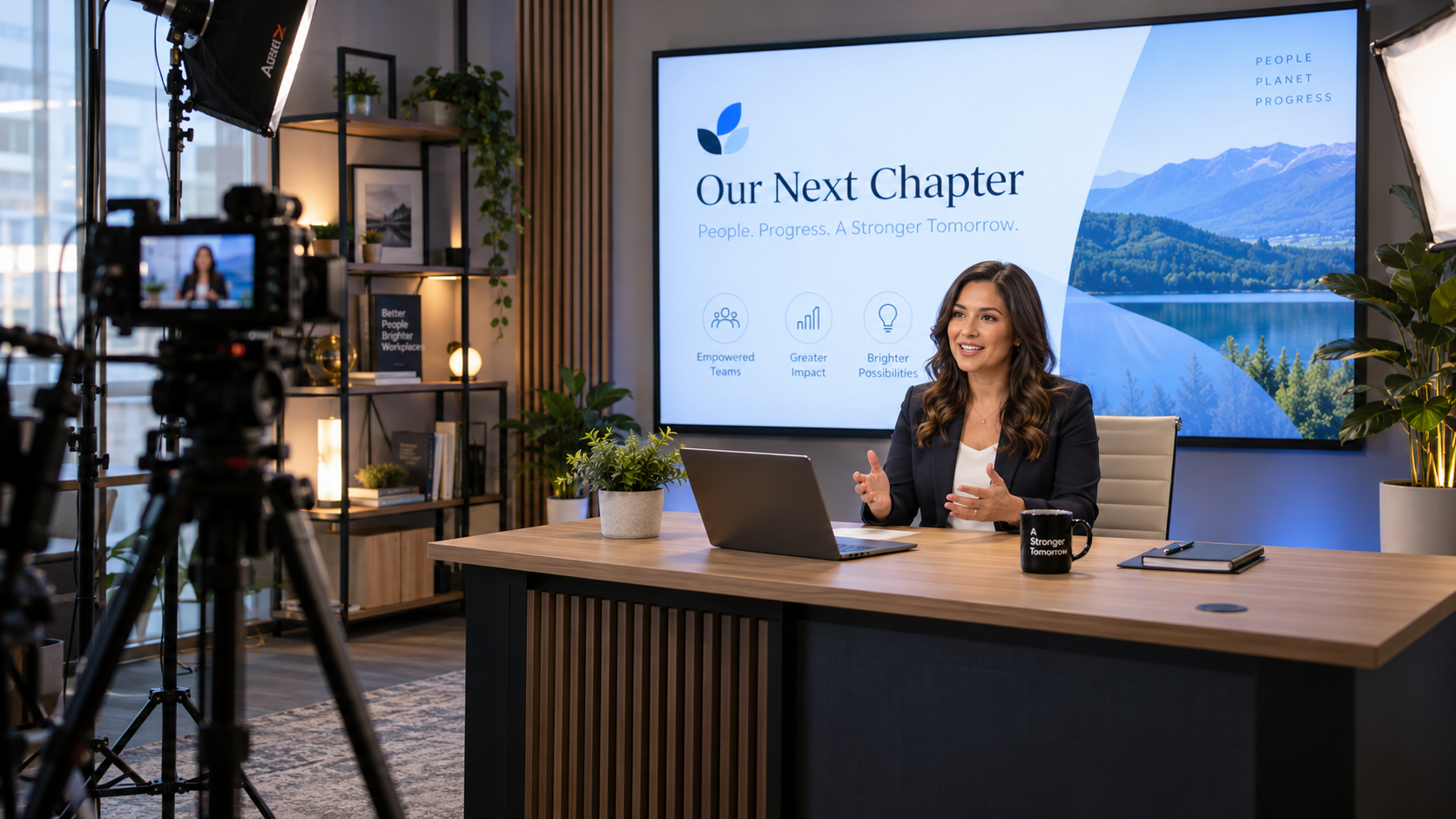
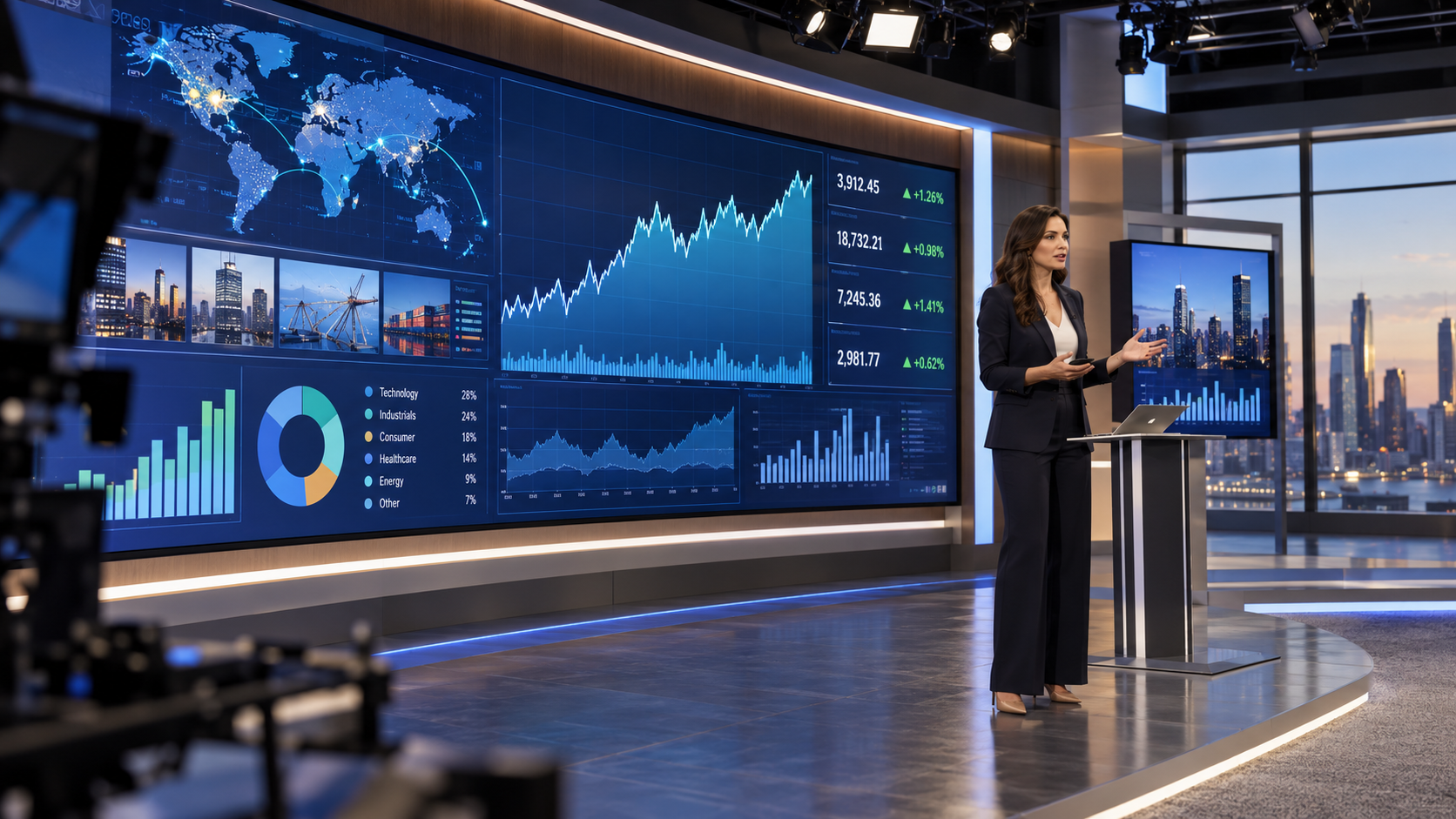
A corporate studio may switch between branded backgrounds, presentations, remote guests, camera feeds, product demos, and live data graphics. NDI or streaming sources may also be useful when the system supports them. Build the workflow around those production needs, not a single demonstration laptop.
The Video Processor Is the Traffic Controller
The processor should scale inputs to the native canvas, switch sources reliably, and manage layouts and presets. When LED video walls must show several feeds at once, check input compatibility, layering capacity, and synchronization before selecting the hardware.
Synchronous and Asynchronous Workflows Serve Different Jobs
Live events depend on responsive, real-time switching, while scheduled messages or unattended playback can use asynchronous content delivery. A studio may need both capabilities, so define the workflows before choosing LED solutions and control equipment.
Presets Make the Studio Repeatable
Save configurations for CEO updates, town halls, training sessions, and product launches. Reusable presets cut setup time, reduce operator errors, and help each production maintain consistent framing and visual standards.
Treat the LED Video Wall as Part of the Physical Set
The Screen Should Support the Presenter, Not Overpower Them
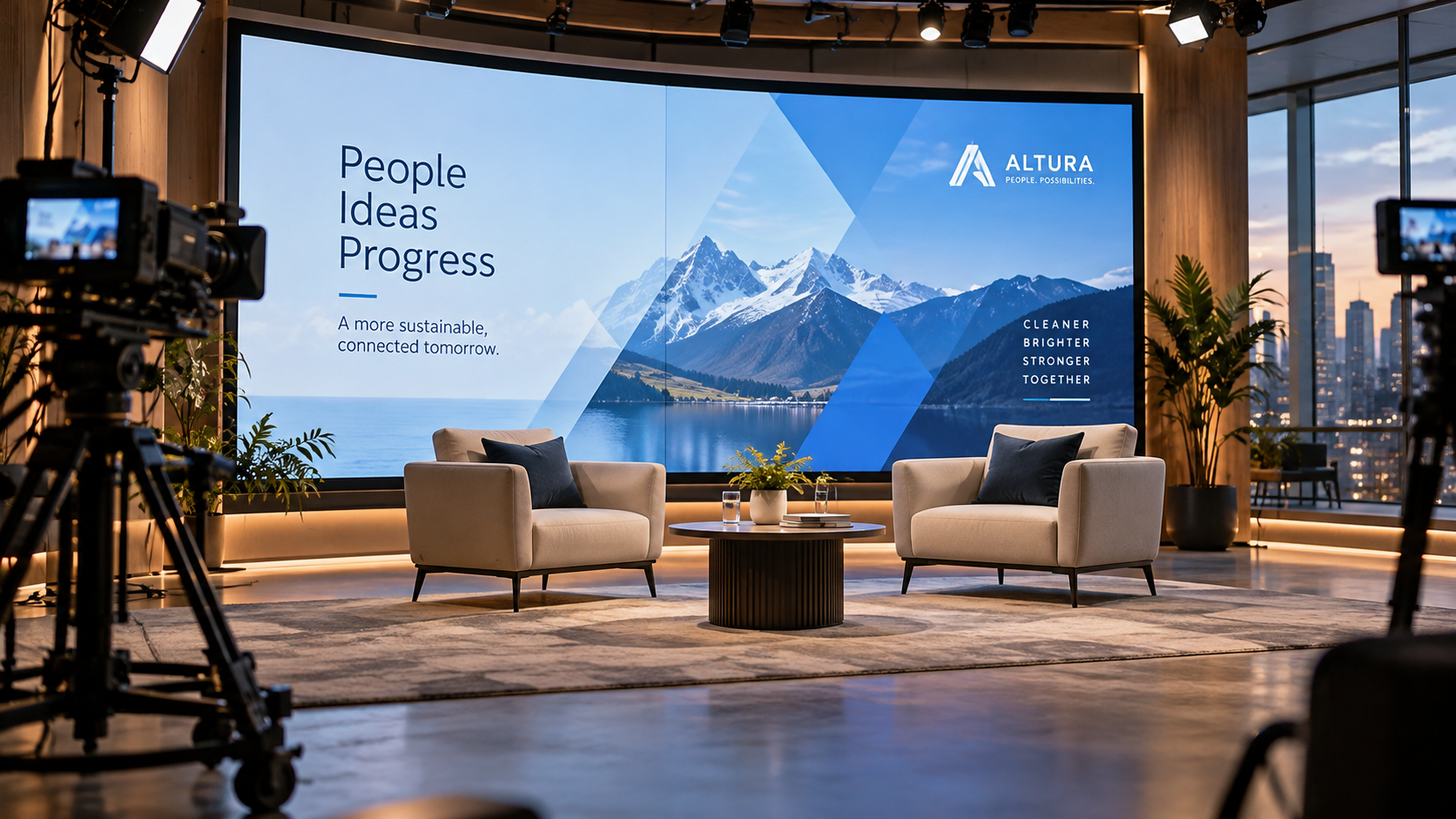
Bright, fast-moving graphics can distract from the speaker. Favor controlled motion, balanced contrast, and clear visual space so the visuals add depth and reinforce the brand without dominating the frame.
Viewing Angle Still Matters in a Studio
Side cameras can expose shifts in color or contrast. Test every planned camera angle and choose LED display panels with suitable off-axis performance. Published viewing-angle figures are useful, but on-camera testing is more revealing.
arrangement.
Installation Method Changes the Look of the Set
Wall-mounted systems provide a clean, permanent backdrop. Floor-supported structures allow frequent set changes, while suspended installations preserve floor space where rigging conditions permit. Each approach also affects cabling, camera movement, and maintenance access.
Service Access Should Stay Invisible Until It Is Needed
Not all LED devices are equally easy to maintain. Front-service cabinet designs simplify repairs in spaces with limited rear access. Check which components can be replaced from the front, and plan service clearances before the set is finished.
Build the Studio for the Communications Program, Not One Broadcast
Reliability Matters When Executives Are Waiting to Go Live
A failed signal during a CEO address or product launch is highly visible. Prioritize stable power, tested signal paths, secure cabling, and spare critical parts. The reliability of LED panels also depends on processors, connections, and technical support.
Indoor Durability Still Has a Role
Select LED technology for the actual room conditions, not the highest protection rating available. Most indoor studios do not need outdoor-grade weather resistance. Evaluate ventilation, dust exposure, access requirements, and cabinet design before specifying IP45 or outdoor LED wall IP65 hardware.
The Studio Can Replace Multiple Communication Setups
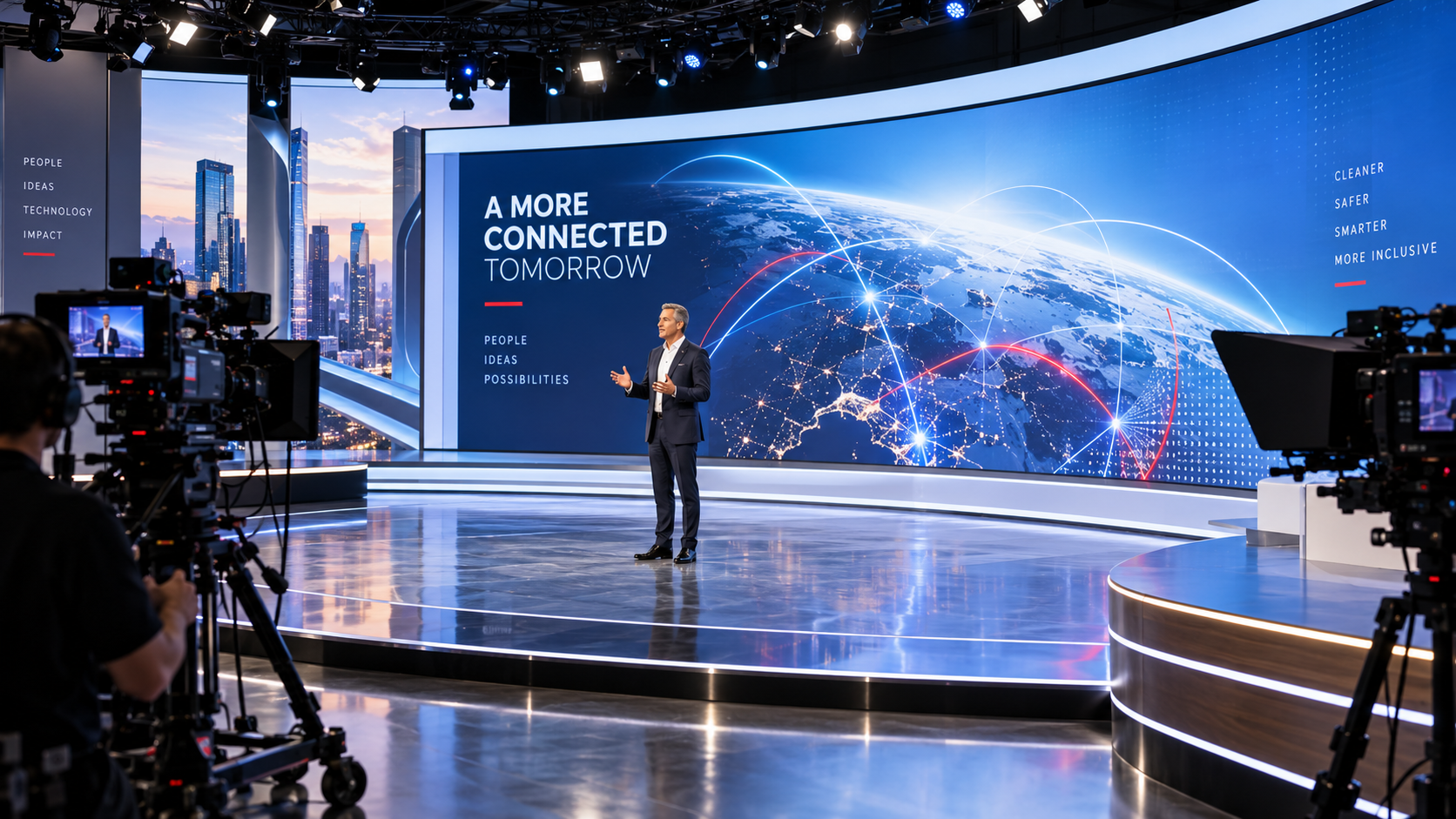
Well-designed LED walls can turn one room into a reliable space for executive messages, training, interviews, and launches. Compare LED displays on serviceability and long-term support as well as picture quality. A five-year warranty from a supplier such as American LED Screens can add confidence to the investment.