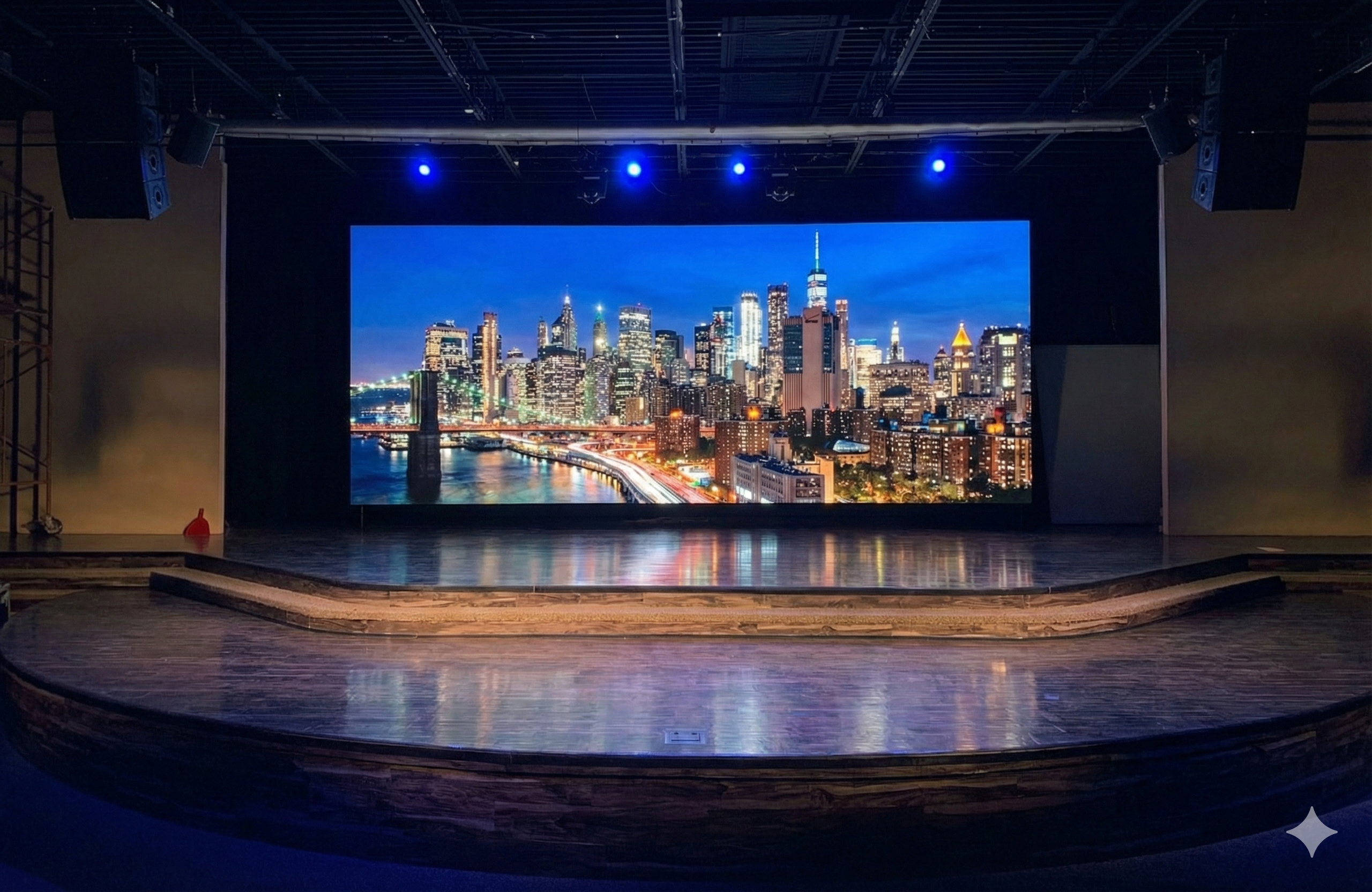
Buying an LED video wall involves more than choosing a size and scheduling installation. Unlike a conventional large-format screen, a professional system depends on decisions made well before delivery. LED video walls must fit the space, support the intended content, and remain practical to operate and maintain.
Before placing an order, the project team needs clear answers: Can the structure carry the load? Is sufficient electrical capacity available? What pixel pitch suits the viewing distance? How will signals reach the display, and can technicians access it for repairs? Unresolved questions at this stage often become expensive changes later.
Some work, such as content preparation, can overlap with manufacturing. Structural approvals and equipment specifications usually cannot. The following five phases show what needs to happen, in what order, and why.
Phase 1: The Site Survey Determines What Is Actually Possible
Measure the Room Before You Design the Screen
A site survey establishes the physical and technical limits of the installation. The team measures available space, ceiling height, viewing distances, and potential mounting locations. It also checks structural conditions, electrical capacity, cable routes, ventilation, and front or rear service access. For LED screen packages installed near windows or skylights, the survey should document changing daylight conditions rather than relying on a single lighting measurement.
These findings shape the equipment selection and help prevent surprises after the design is approved. A site visit is especially valuable when drawings do not reflect existing conditions.
Viewing Distance Shapes Pixel Pitch
Pixel pitch is the distance between neighboring pixels, measured in millimeters. Short viewing distances generally call for a finer pitch; larger pitches can be a cost-effective choice when viewers are farther away. As a rough starting point, a P2.5 display may be comfortable to view from about 2.5 meters, although content and visual expectations also matter.
The goal is not to specify the smallest pitch available. It is to select the right level of detail for the audience and budget, so LED walls deliver a clear image where people will actually stand or sit.
Indoor and Outdoor Sites Create Different Requirements
Indoor LED displays are typically selected for close-range clarity and controlled lighting. Outdoor LED screen installations need higher brightness and protection suited to weather exposure. An IP45 rating and an IP65 rating are not interchangeable: IP65 indicates a dust-tight enclosure with protection against water jets, while IP45 provides a lower level of solid-particle protection.
The team should confirm the required environmental rating, temperature range, and service approach before approving the product. Changing from an indoor to an outdoor system after quoting can affect the entire design and budget.
Installation Method Needs an Early Answer
Wall-mounted systems transfer their load to the building structure. Ground-supported systems rely on an engineered floor-based frame, while flown installations hang from rated rigging points, often in event settings. Each method requires its own structural checks and installation plan.
The mounting choice also affects cable routing and future access to LED panels. It must be settled before cabinets, frames, or rigging hardware are ordered.
Phase 2: Turn the Site Survey Into a Buildable LED System
Freeze the Screen Dimensions Before Everything Downstream Changes
LED display panels typically come in standard cabinet sizes, so the finished dimensions must reflect a workable cabinet layout, not an arbitrary wall measurement. Adding a row or column may change pixel resolution, weight, power demand, processing capacity, and cost.
For LED video walls, approving the final cabinet count and layout before procurement prevents minor dimensional changes from triggering multiple redesigns. The team should document the exact dimensions, native resolution, and mounting configuration.
Design Around the Content That Will Actually Be Shown
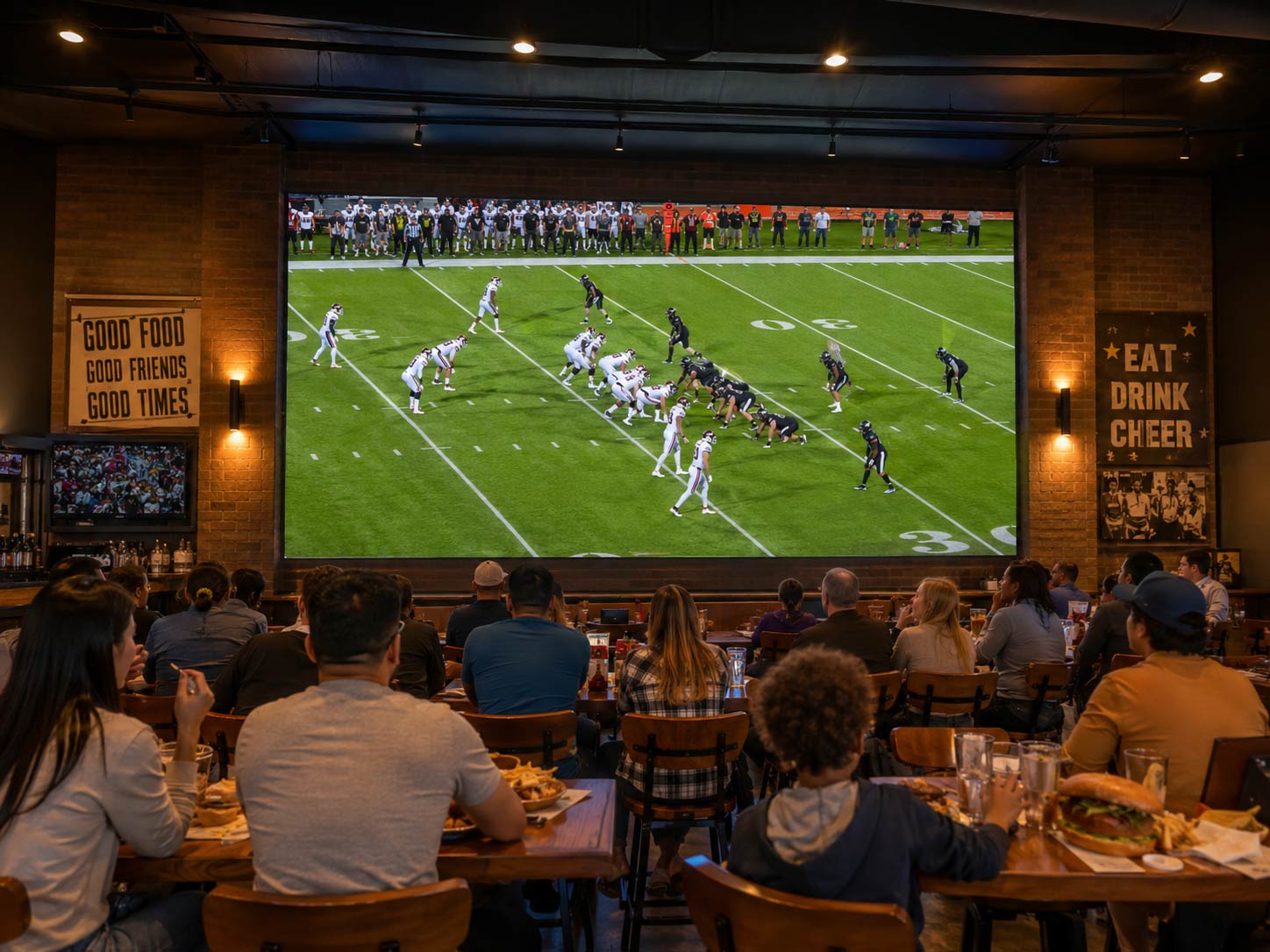
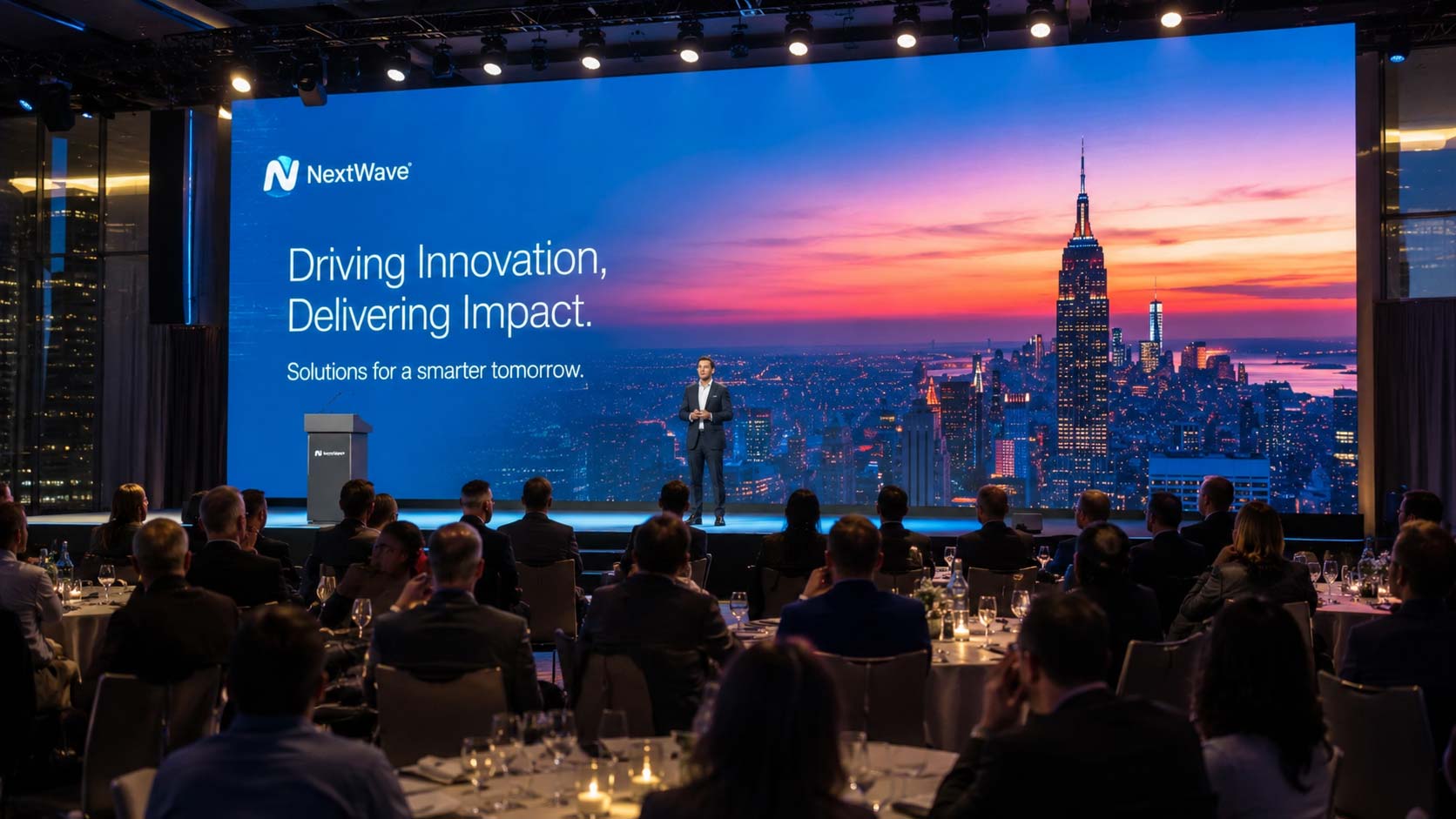
A boardroom presentation, a sports broadcast, and a live studio feed place different demands on the system. Start with what viewers will see, then define the required aspect ratio, resolution, input types, scaling, and camera-related refresh requirements. Content creators can use those specifications to prepare graphics that fit the finished canvas.
Planning content early also avoids awkward compromises, such as cropped presentation slides or stretched video. The display should be designed for its daily use, not just for a demonstration image.
Choose the Control Architecture Before the Hardware Is Ordered
Synchronous control displays a live input from a computer, camera, or video source, making it suitable for presentations and events. Asynchronous control plays stored or scheduled content, often for unattended digital signage. Some installations need both options, allowing a lobby to alternate between scheduled promotions and a live event feed.
The selected processor and controller—sometimes integrated into one device—must support the system’s pixel count and input requirements. Confirm compatibility before purchasing equipment, including any networking or remote-management needs.
Serviceability Should Be Engineered Before the Wall Exists
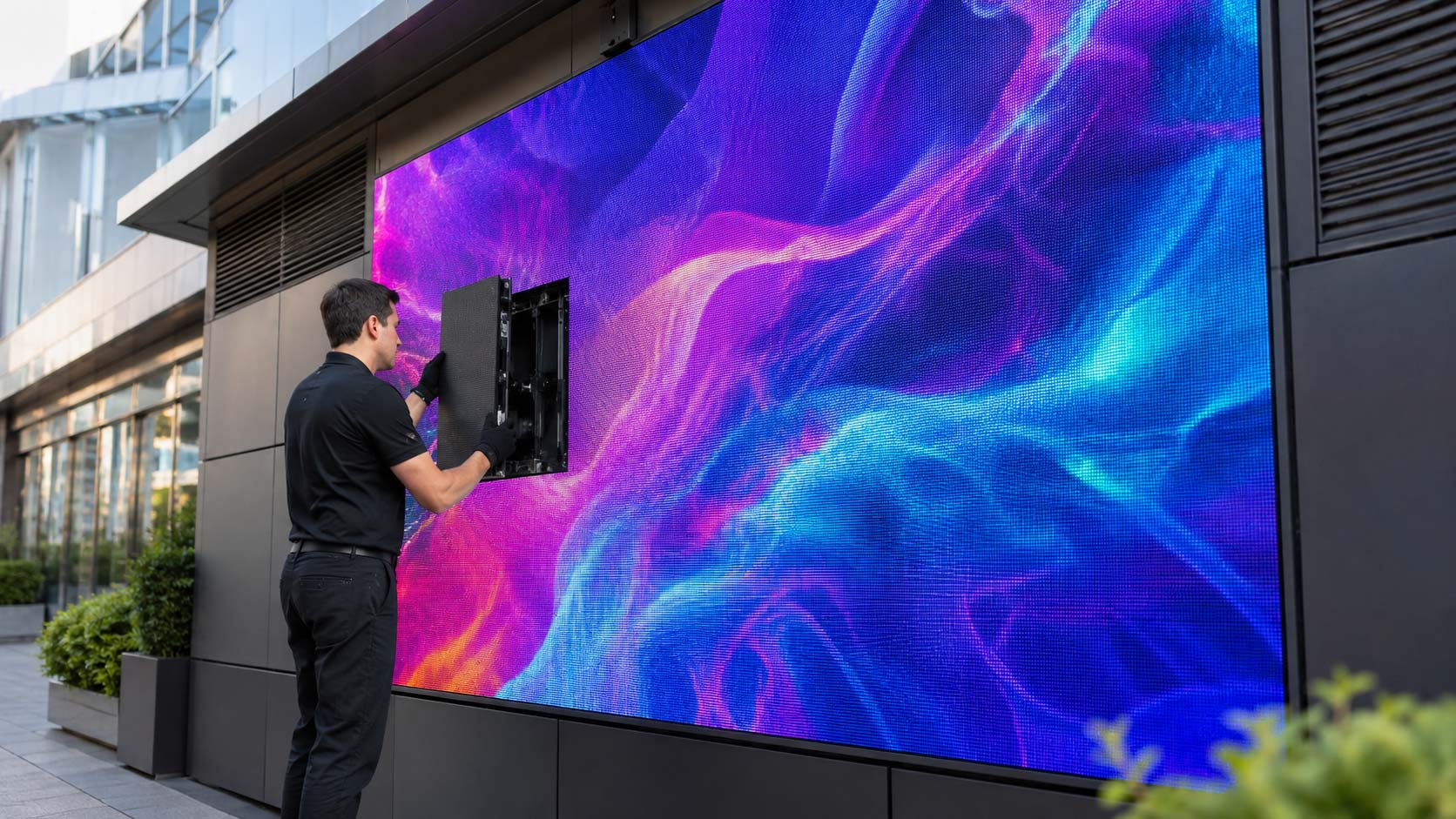
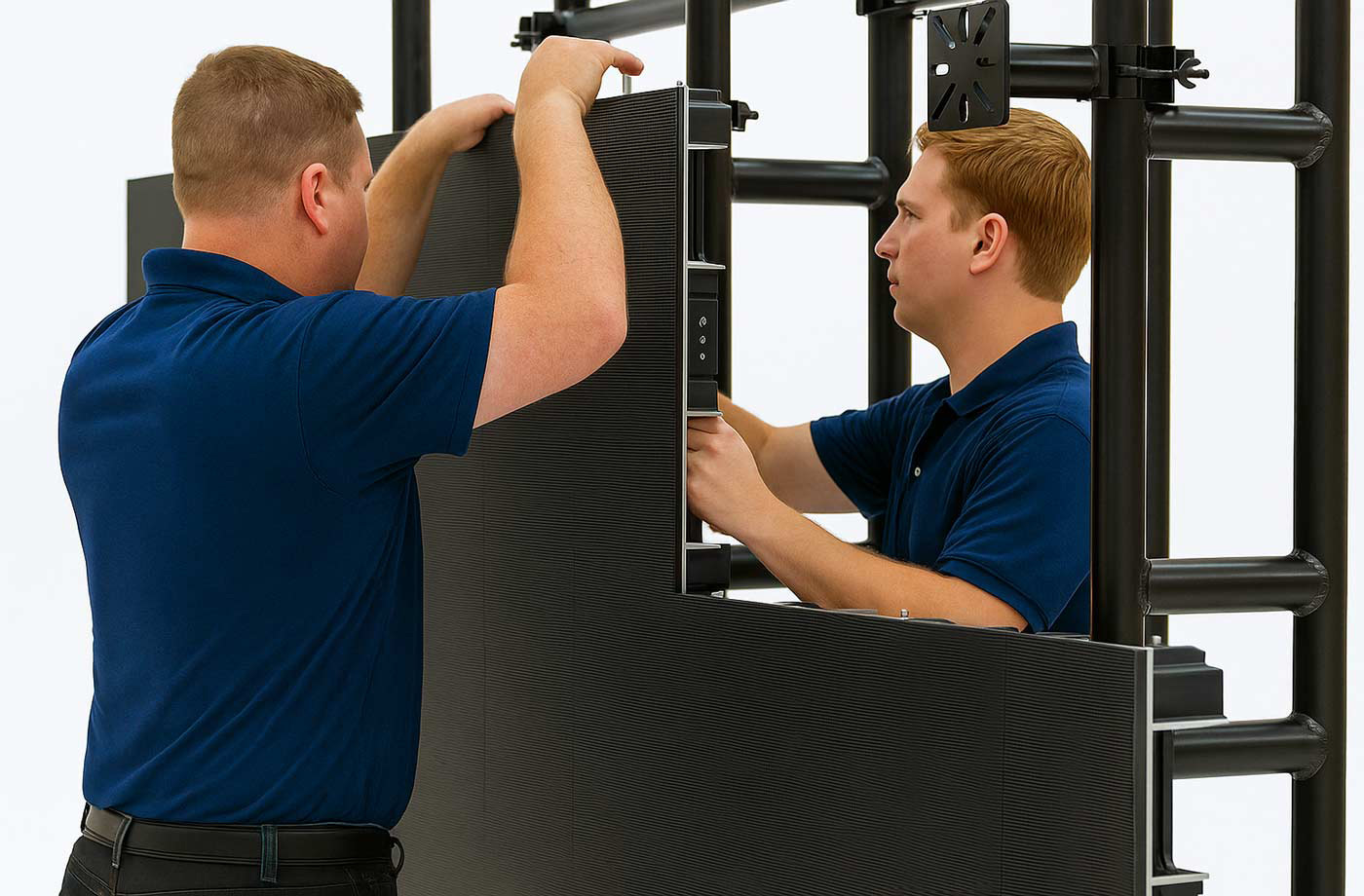
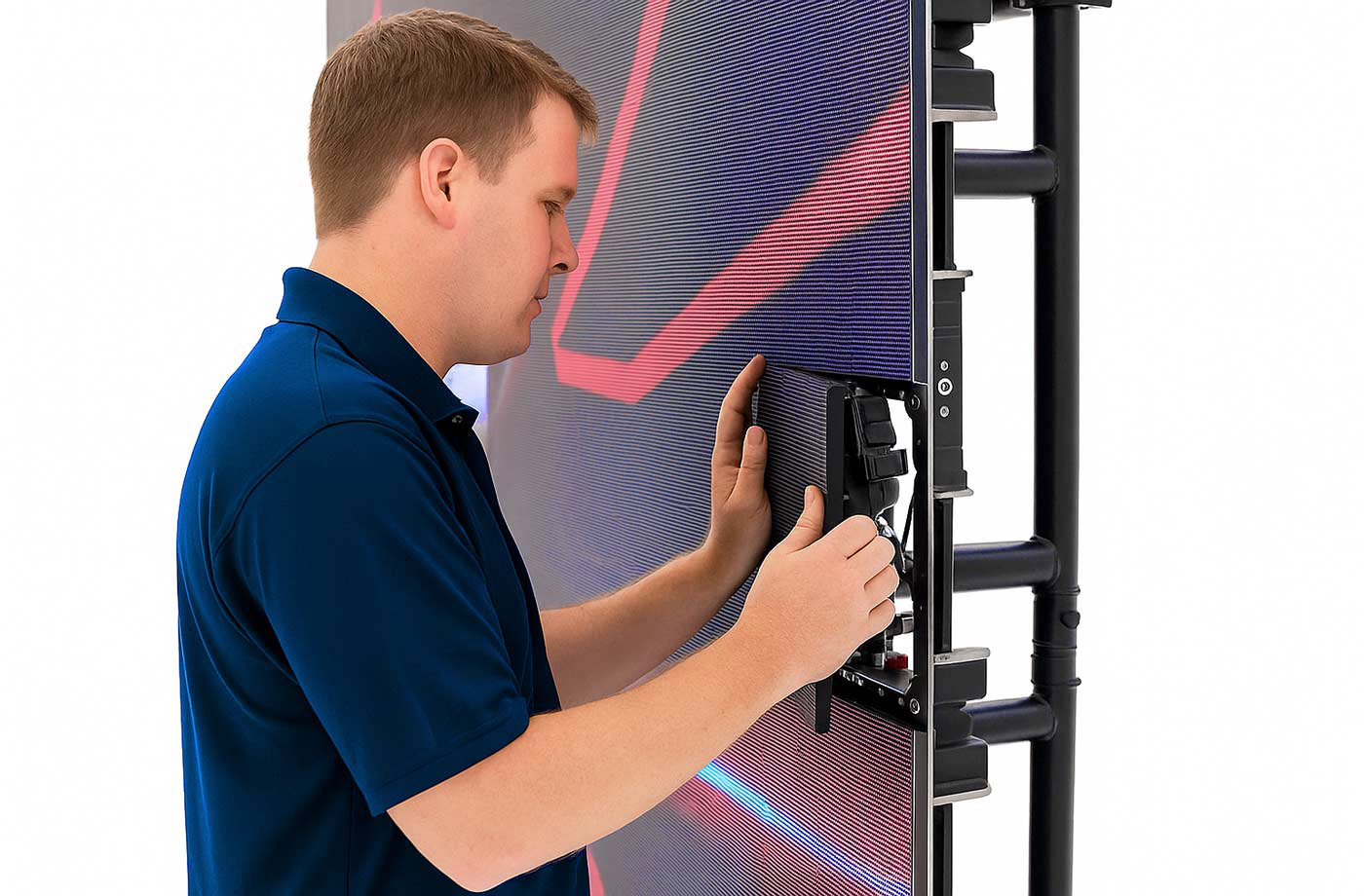
A technician should be able to reach a faulty module without dismantling the installation. Front-service cabinets allow compatible modules and components to be removed from the viewing side; rear-service designs need adequate clearance behind the structure.
Choosing service access early affects frame design, placement, and labor costs. For LED panels installed against solid walls, front access may be essential to minimizing downtime.
Phase 3: Prepare the Site While the LED System Is Being Built
Structure, Power, and Data Should Be Ready Before Delivery Day
Site preparation can take place while cabinets are being manufactured. Before LED display panels arrive, the mounting structure, appropriately sized electrical circuits, and data pathways should be ready. Power distribution must follow applicable codes and the manufacturer’s load specifications. Equipment racks also need ventilation and service access.
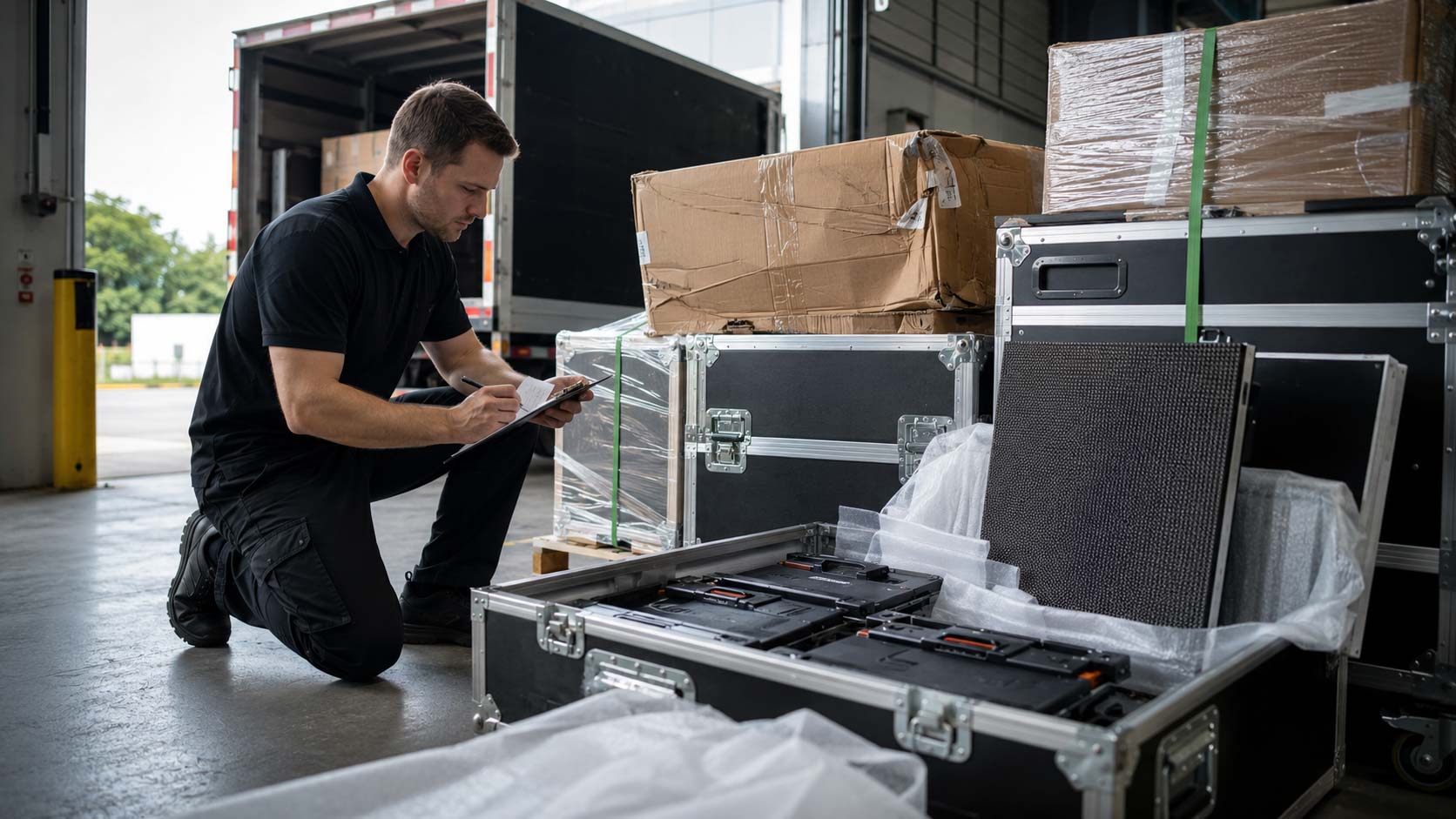
Cable runs should be labeled and protected, and network connections arranged where remote management is required. The team must also check delivery routes, loading areas, doorways, and elevators. A cabinet that cannot reach the installation area can delay the entire job.
Confirm the Signal Path Before Closing Walls and Ceilings
The signal normally travels from a source to a video processor or controller, then to receiving cards inside the cabinets. Depending on the equipment, processing and sending functions may be combined. Each receiving card drives its assigned part of the image; a wiring or configuration fault can leave that section blank.
Verify cable lengths, connections, routing, and continuity before finishing walls or ceilings. The same checks should cover networked LED devices and any required control lines. Testing accessible cabling now is far easier than reopening finished surfaces later.
Brightness Should Match the Environment, Not the Maximum Specification
Maximum rated brightness is not the ideal operating level for every location. Even high-output LED displays need settings matched to ambient light and viewing conditions. A screen in a glass-fronted showroom may need more brightness at midday and much less after sunset.
Where supported, an ambient-light sensor can automate adjustments. Otherwise, scheduled or manual settings may be appropriate. Correct brightness improves comfort, preserves image quality, and avoids unnecessary energy use.
Phase 4: Installation Day—Where Previous Decisions Come Together
Start with the Structure, Not the Pixels
The installation team first verifies the mounting frame, anchoring, load capacity, and alignment against the approved plans. Small errors in the supporting structure can become visible gaps between cabinets, so levels and tolerances must be checked before assembly begins.
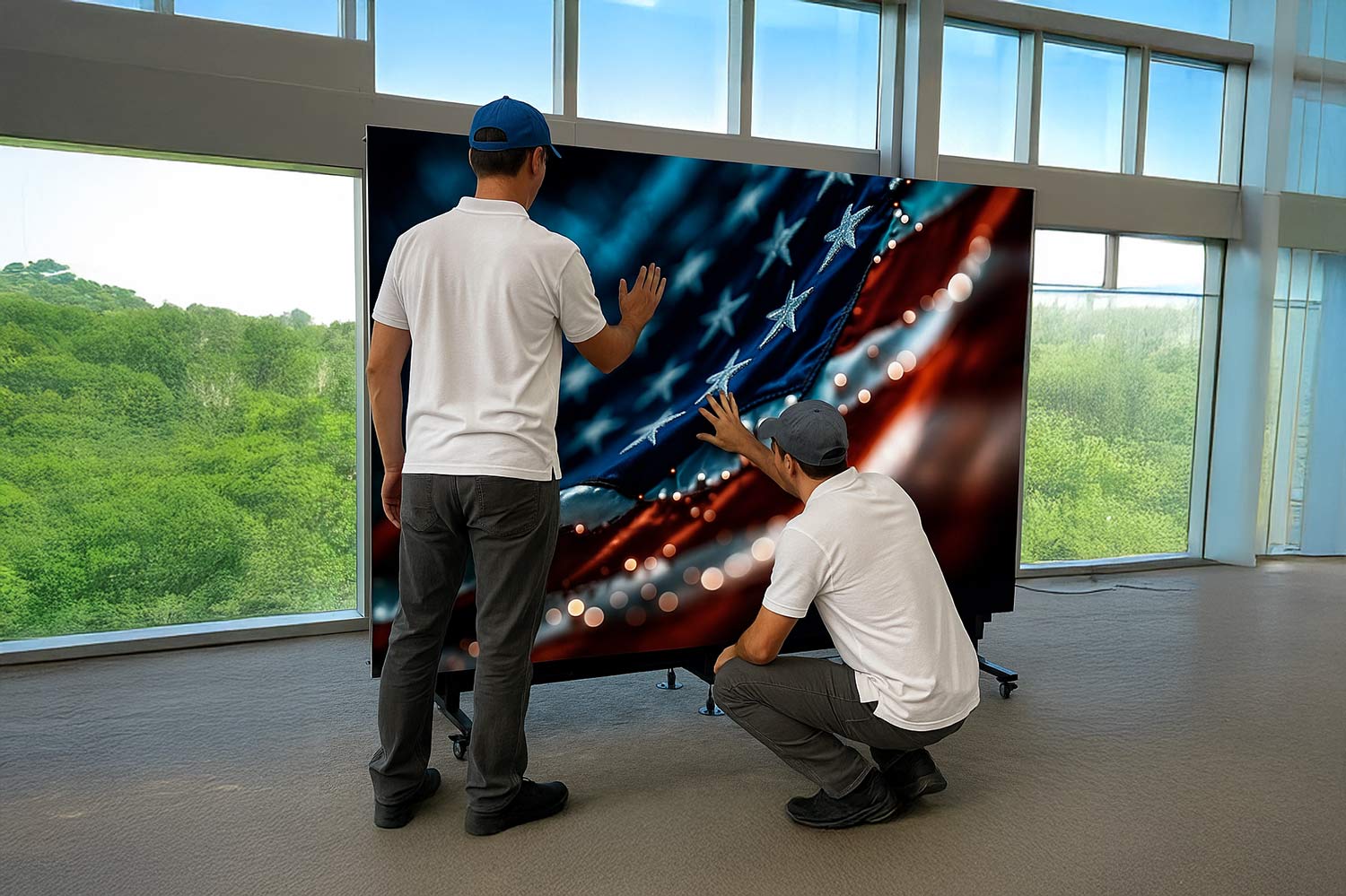
Once the structure passes inspection, cabinets are positioned and secured according to the manufacturer’s instructions. With LED walls, precise alignment matters as much as secure mounting: the finished surface should appear continuous, without noticeable offsets.
Build the Wall in Sections and Test as You Go
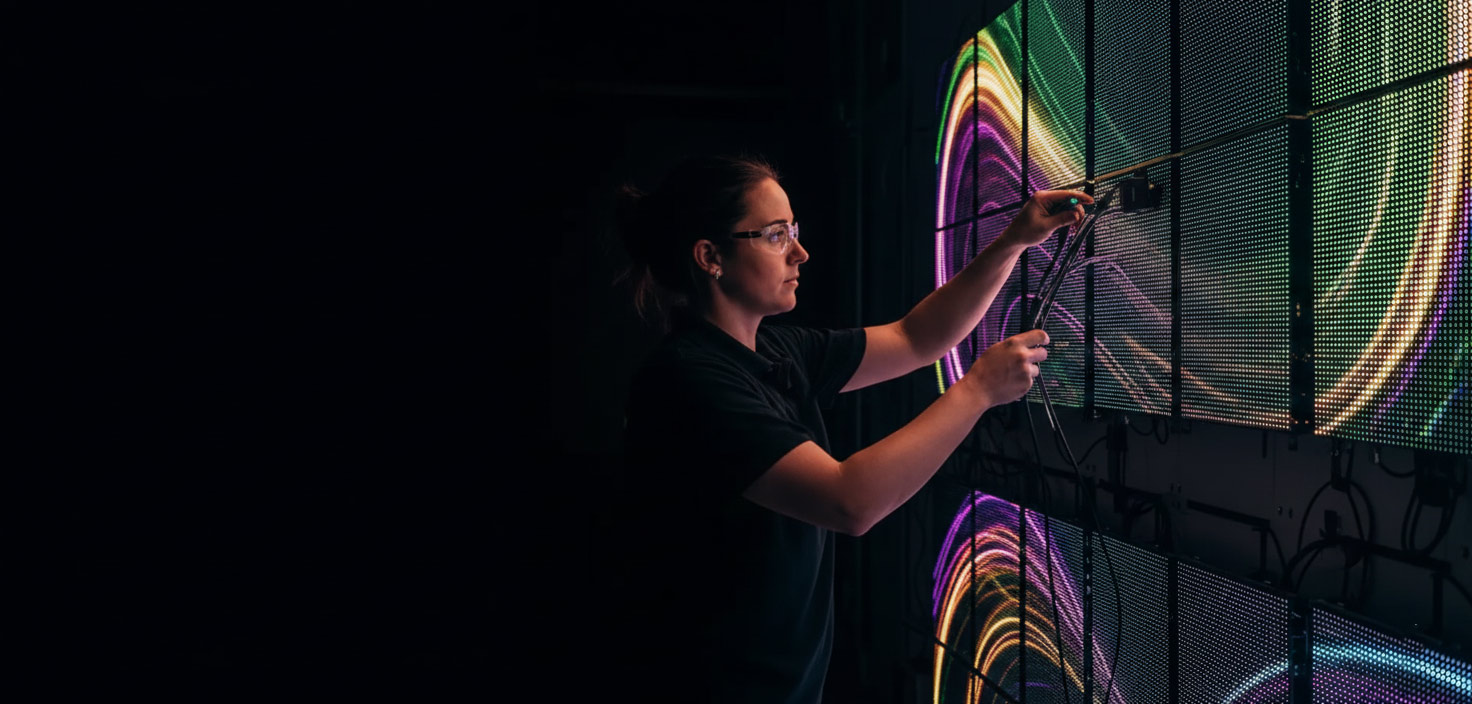
As each section of LED display panels is installed, technicians check power, data communication, receiving cards, and cabinet mapping. Testing in stages isolates problems while components remain easy to reach. A defective cable or misaddressed cabinet is much easier to correct before the full wall is assembled.
This approach also reduces the risk of discovering multiple faults at the end of the installation. Physical assembly and system testing should progress together.
Physical Completion Does Not Mean the Project Is Finished
Once the last cabinet is fitted, LED panels may power on without showing the correct image. The team still needs to configure the processor, assign cabinet positions, set the native resolution, and confirm input signals. A powered screen is not necessarily a commissioned system.
Color, brightness, and grayscale settings also need attention before handover. The next phase turns an assembled structure into a dependable display.
Phase 5: Commissioning Turns Installed Hardware Into a Finished System
Map Every Cabinet to the Correct Part of the Image
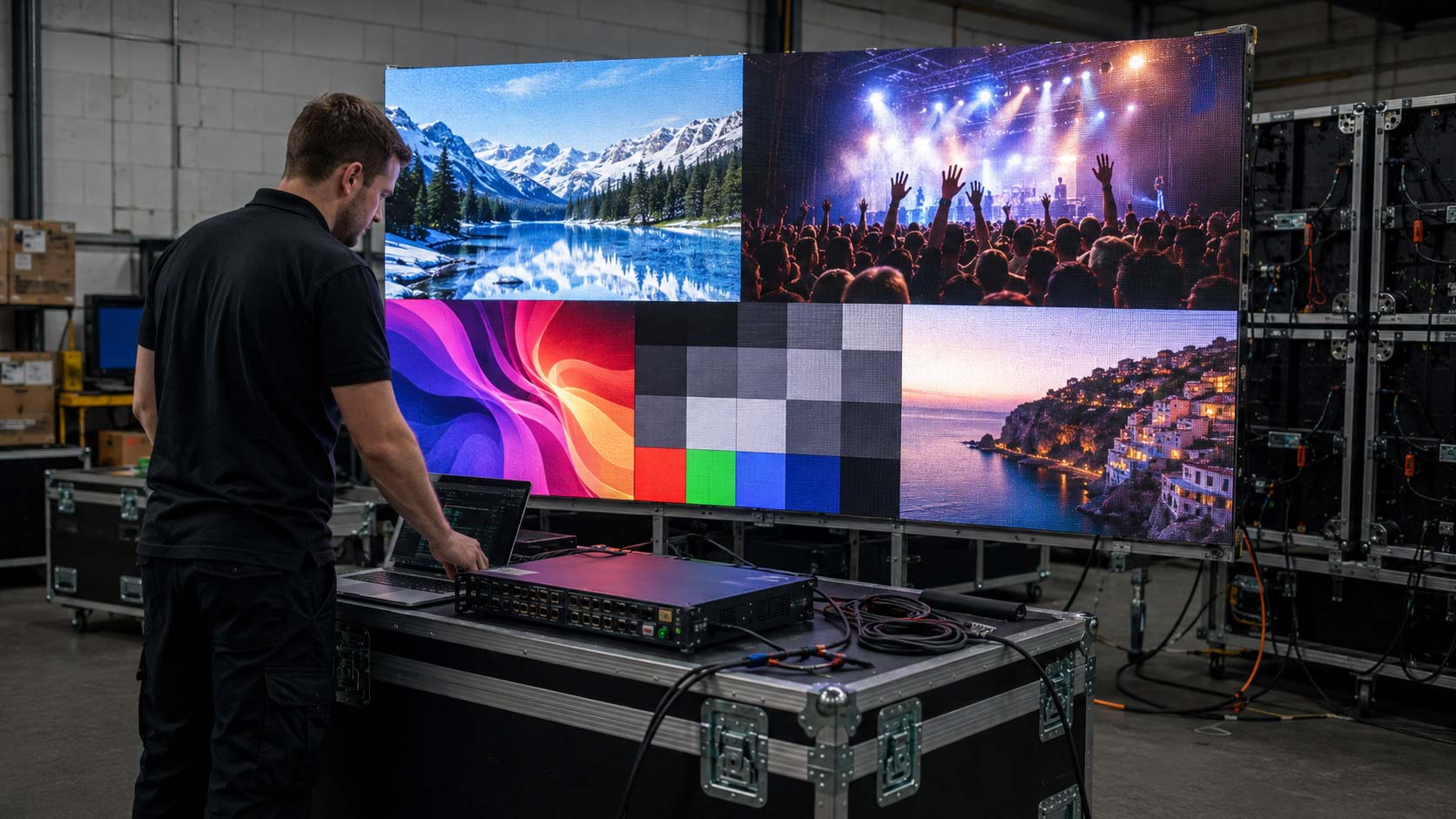
Cabinet mapping tells the controller which part of the image belongs on each cabinet. If the configuration is wrong, sections may appear duplicated, misplaced, rotated, or black. Technicians use test patterns to confirm that every cabinet displays the correct portion of the canvas.
Mapping should be saved and backed up once verified. A reliable configuration record makes future troubleshooting faster.
Tune the Display for the Actual Content
The team tests the client’s actual laptops, media players, cables, and adapters—not just a technician’s setup—to confirm resolution, scaling, and input compatibility. For LED displays used on camera, refresh settings must also be checked through the actual recording equipment, since artifacts can appear on video even when viewers see no problem.
Technicians then adjust brightness, color, and grayscale consistency under normal lighting conditions. The aim is accurate, comfortable viewing across the entire image, without stretching, cropping, or visible color shifts.
Calibration Is About Making Hundreds of Modules Look Like One Screen
Individual cabinets and modules can vary slightly in brightness or color, especially when components come from different production batches. LED walls should still look like one uniform viewing surface. Calibration data and supported control-system tools help correct those differences, though results depend on the hardware and its condition.
Commissioning should catch compatibility issues before the first public presentation, not during it.
Finally, the operator receives training in source selection, content playback, brightness controls, and basic troubleshooting. Provide as-built drawings, signal diagrams, equipment settings, and configuration backups so future technicians can maintain the system without starting from scratch.
The Real Timeline Continues After Launch
After handover, LED screens still need periodic inspection, content updates, and occasional module replacement. Firmware or brightness settings may also need attention as operating conditions change. The value of a project depends on years of dependable performance, not merely a successful first power-on.
Thoughtful planning makes LED technology easier to operate and maintain. Well-designed LED solutions also reduce the disruption and cost of preventable service issues. That long-term reliability begins with decisions made during the site survey.
From initial measurements through calibration and handover, American LED Screens helps plan and deliver LED video walls with a coordinated approach to design, installation, and support. If you are considering a project, start with a site survey to establish the right scope, equipment, and timeline.