The installation may look complete once the system is powered on and the content is running smoothly, but technical handover is what determines whether your team can operate it confidently after the installer leaves. A successful project should end with more than a polished demo. Your staff needs the knowledge, documentation, access, and spare parts required to manage LED video walls safely and independently.
That includes basic operating procedures, content management, troubleshooting, and clear escalation guidelines. Teams should understand how to power the system on and off, load new content, identify common issues, and recognize when a problem requires professional support rather than an internal fix.
A proper handover also protects the equipment itself. Early fault detection and correct maintenance procedures can prevent minor issues from turning into costly downtime. Before signing final acceptance, confirm that the installation has been tested in real-world conditions and that your team has everything it needs to operate LED walls over the long term.
Before the Installer Leaves, Prove the LED Wall Works
Every Event Brings a Different Source
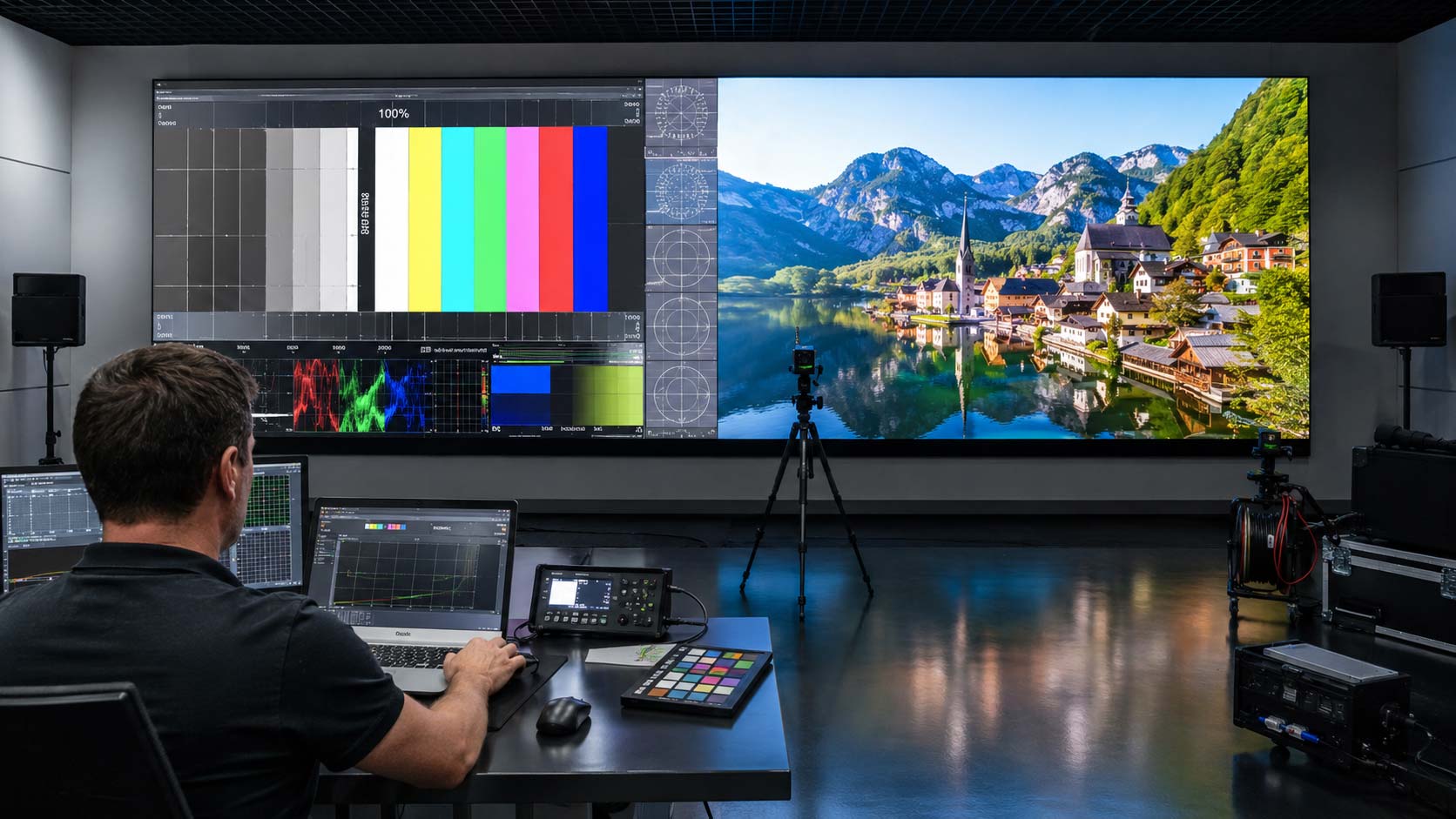
A polished 3D animation can make almost any installation look impressive. What matters is how the system performs with the content your organization will actually use. Handover testing should go beyond a demo reel and reflect normal operating conditions for LED display packages.
Make sure to test:
- Corporate presentations: text clarity, slide contrast, fine lines, charts, and small details.
- Video content: smooth playback, scaling, frame consistency, and audio-video synchronization.
- Logos and brand colors: accurate reproduction without oversaturation or visible color shifts.
- Live feeds: cameras, conferences, or broadcast sources to evaluate latency and processing.
- Input switching: laptops, media players, processors, or consoles using HDMI, DisplayPort, SDI, or other required connections.
- Light and dark content: dark images can reveal dead pixels or light leakage, while bright white content can expose brightness, thermal, or power inconsistencies.
These checks help confirm that LED display panels—and the LED walls they form—are ready for real operating demands rather than controlled demonstration content.
Check the Screen From Where People Will Actually Stand
Image quality should not be evaluated only from the center of the room. Your audience will see the system from different distances, heights, and viewing angles, so testing should reflect how the space is actually used.
Walk through the venue and view the installation from the sides, from below, and from the farthest normal viewing position. Professional LED screens should maintain consistent color, contrast, and readability across the intended viewing area.
Also inspect the surface while moving through the room. LED panels should appear visually uniform, without noticeable brightness differences, color variation, or module-to-module inconsistencies that interrupt the image.
Test the Environment, Not Just the Image
A video wall operates within a physical environment that directly affects performance. Lighting, ventilation, temperature, and surrounding infrastructure should all be validated before final acceptance.
In spaces with daylight or strong artificial lighting, test visibility under realistic conditions. If automatic brightness control is installed, confirm that it responds smoothly without flicker or abrupt changes. This is especially important for LED video walls installed in atriums, storefronts, or multipurpose venues.
Ventilation also matters. Adequate heat dissipation helps protect diodes, power supplies, and internal electronics from premature wear. In boardrooms, control rooms, or other quiet spaces, fan and processor noise should also remain within acceptable levels.
You Should Know Where the Content Comes From
Follow the Signal From Source to Screen
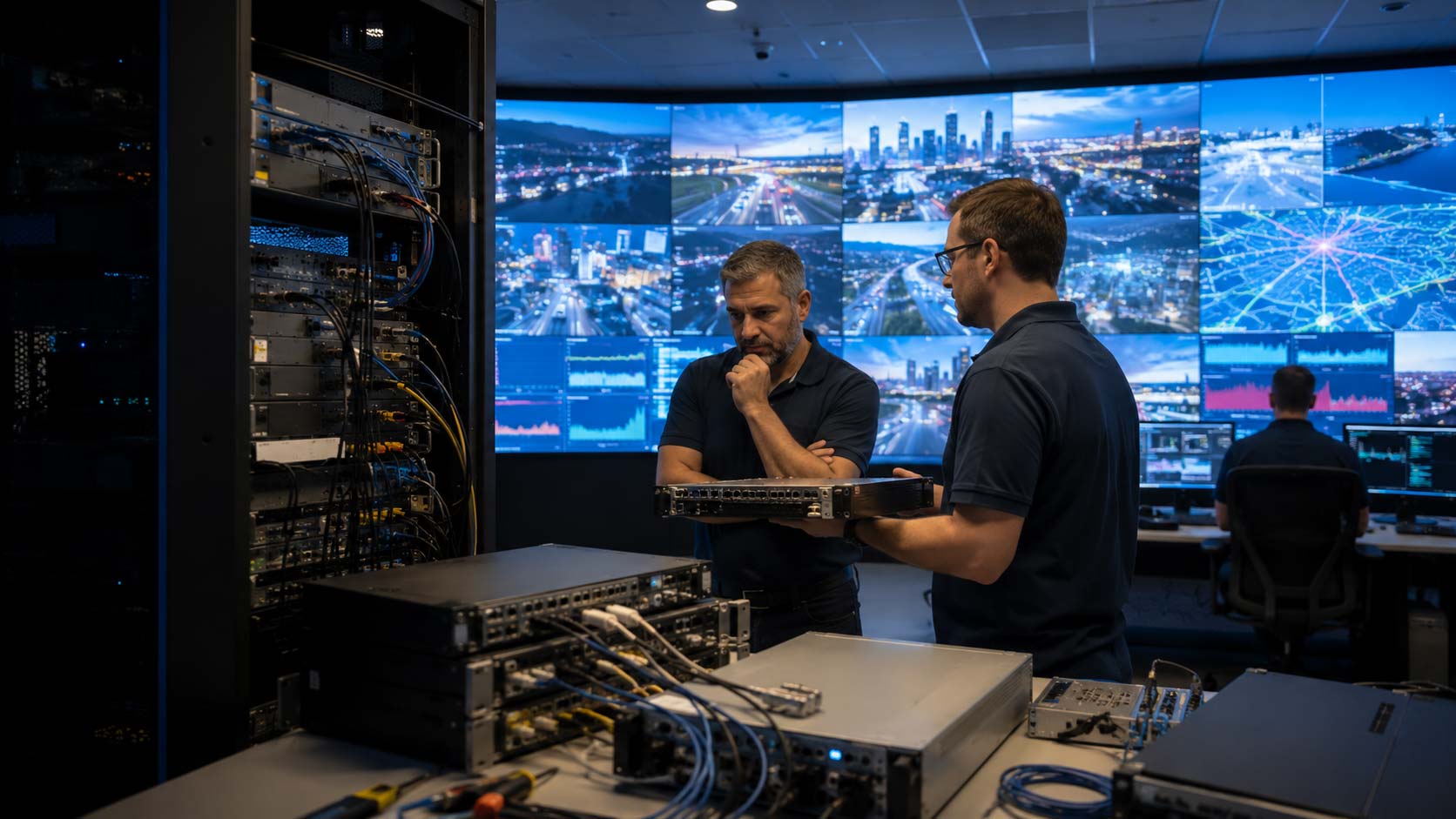
If the image suddenly disappears, your internal team should understand the basic signal path before calling support. Knowing where the signal starts and how it reaches the system makes first-line troubleshooting faster and more effective.
During handover, the installer should explain and document:
- Source: the computer, media player, camera, or other device generating the content.
- Video processor/controller: the equipment responsible for scaling, resolution management, image positioning, and signal conversion.
- Sending system: the hardware that transmits video data through network cabling or fiber.
- Receiving electronics: the internal boards that interpret mapping data and distribute image information.
- LED modules: the front-facing components that produce the visible image.
This signal map gives teams a practical way to isolate common issues affecting LED walls and LED displays without making unsafe or unnecessary adjustments.
Document Every Input Your Team Will Use
The handover package should include a clear record of every connected source and where it enters the signal chain. That may include computers, media players, cameras, conferencing systems, switchers, matrices, and processor inputs.
For each source, document the interface type—such as HDMI, SDI, DisplayPort, or fiber—and its assigned input. A simple input reference can save valuable time when LED displays need to switch between presentations, live feeds, or scheduled content.
Know What Happens When Nobody Is at the Computer
Your team should know whether the system is synchronous, asynchronous, or managed through a network or cloud platform. That distinction determines what happens when a computer disconnects, reboots, or loses connectivity.
A synchronous setup depends on an active external source and may go black if that source stops transmitting. An asynchronous system can store and play content from the controller itself. For network-managed LED screens, test an internet or local-network outage before handover and confirm whether playback continues or stops.
Get the Files You Would Need on a Bad Day
The final installation day is the right time to collect the configuration files, credentials, and project documentation needed for future recovery or service. These assets should be stored securely by the client rather than remaining only with the installer.
The handover package should include receiving-card configuration files, screen-mapping files, processor backups, administrator credentials, software licenses, cloud access details, and assigned static IP addresses. For LED display panels, these backups can prevent a simple component replacement from becoming a full system reconfiguration.
You should also receive a project-specific single-line diagram or system schematic, not just generic product manuals. It should show signal routing, data cabling, power distribution, processor connections, and other installation-specific details.
Make Maintenance Possible Without Rebuilding the LED Display
Learn How a Module Is Actually Replaced
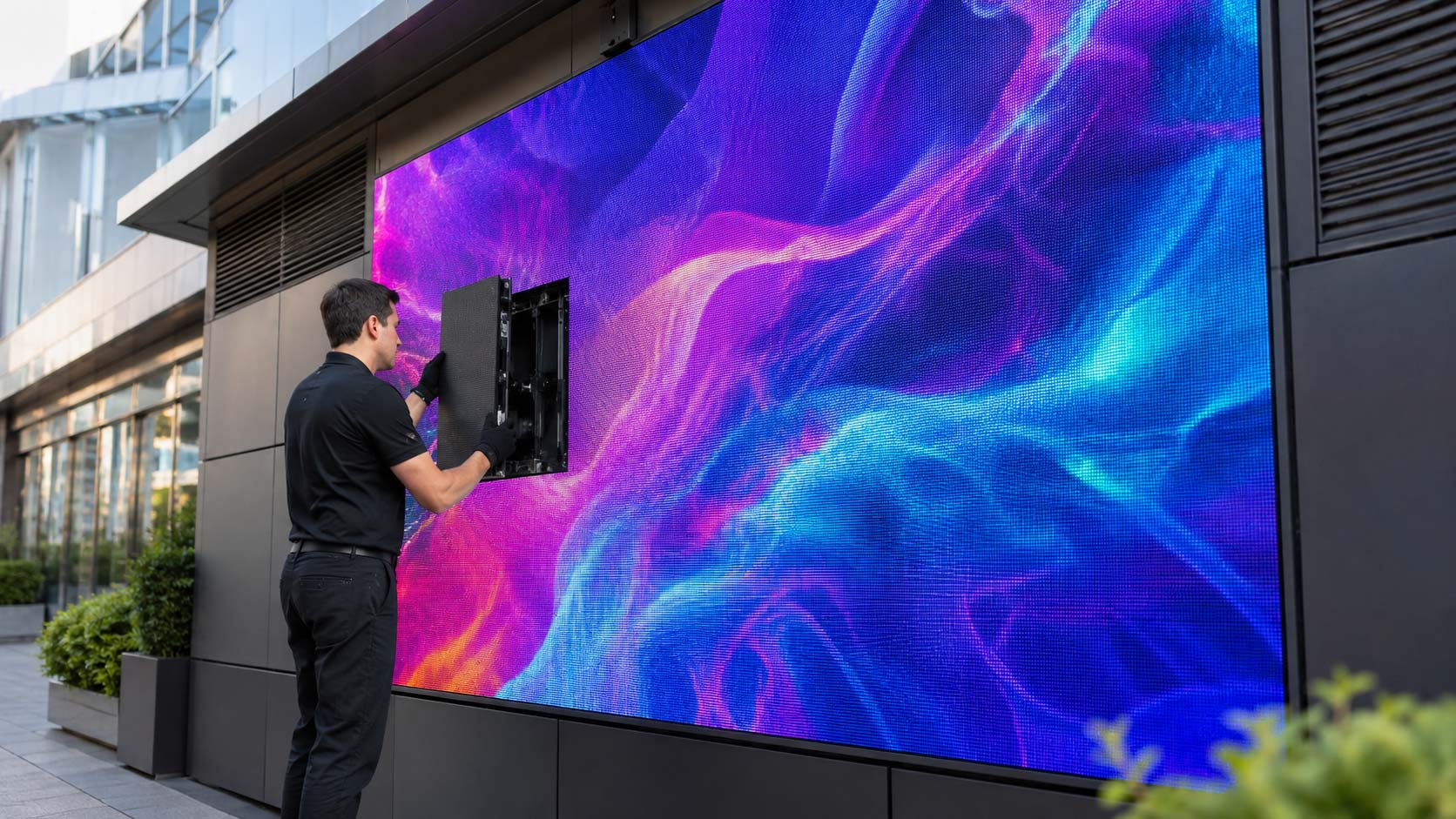
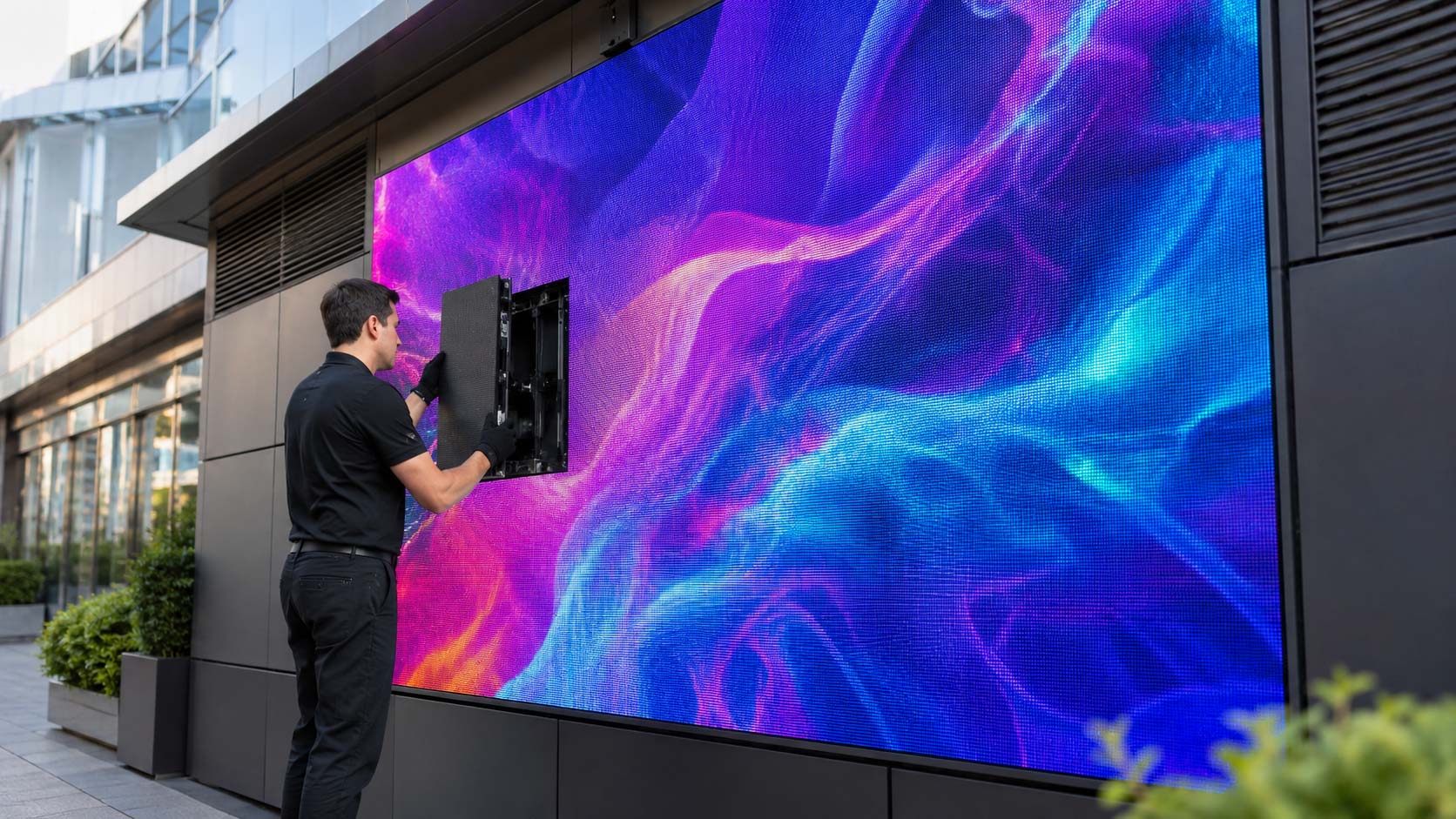
If the system uses magnetic modules or front-service access, the installer should provide a live maintenance demonstration using the same tools your team will keep on site.
Staff should learn how to remove a module safely, access power supplies and receiver cards, disconnect power before handling internal components, and reinstall parts without damaging connectors or edge pixels. Hands-on training makes routine service faster and reduces the risk of accidental damage when working on LED panels.
Installation Method Changes the Maintenance Plan
Maintenance requirements depend on how the system is mounted. The handover should match the service plan to the actual installation method, including access requirements and safety procedures.
Wall-mounted systems need reliable front-service access without removing decorative finishes or surrounding structures. Floor-mounted systems require stable anchoring, periodic leveling checks, and protection from impact. Suspended installations require appropriate working-at-height procedures and regular inspection of rigging, motors, and anchor points.
For larger installations, the maintenance plan should also identify who is authorized to perform each type of service and what equipment is required.
Spare Parts Should Have a Home
Spare parts are not optional extras; they are what allow minor failures to be resolved without unnecessary downtime. The handover should include a documented inventory of replacement modules, power supplies, receiver cards, ribbon cables, and power connectors.
Whenever possible, spare modules for LED display panels should come from the same production batch as the installed units. Matching batches helps reduce visible differences in color or brightness after replacement.
Store all spare electronics in a dry, dust-free, temperature-controlled location, preferably in their original anti-static packaging and padded boxes. Label each box with the project name, model, and batch information so parts for different systems are not mixed.
The Handover Should Protect the Investment
Separate Daily Tasks From Technical Tasks
A good handover defines what in-house staff can safely handle and what should remain with qualified technicians. Clear boundaries reduce operating mistakes, protect the warranty, and improve staff safety.
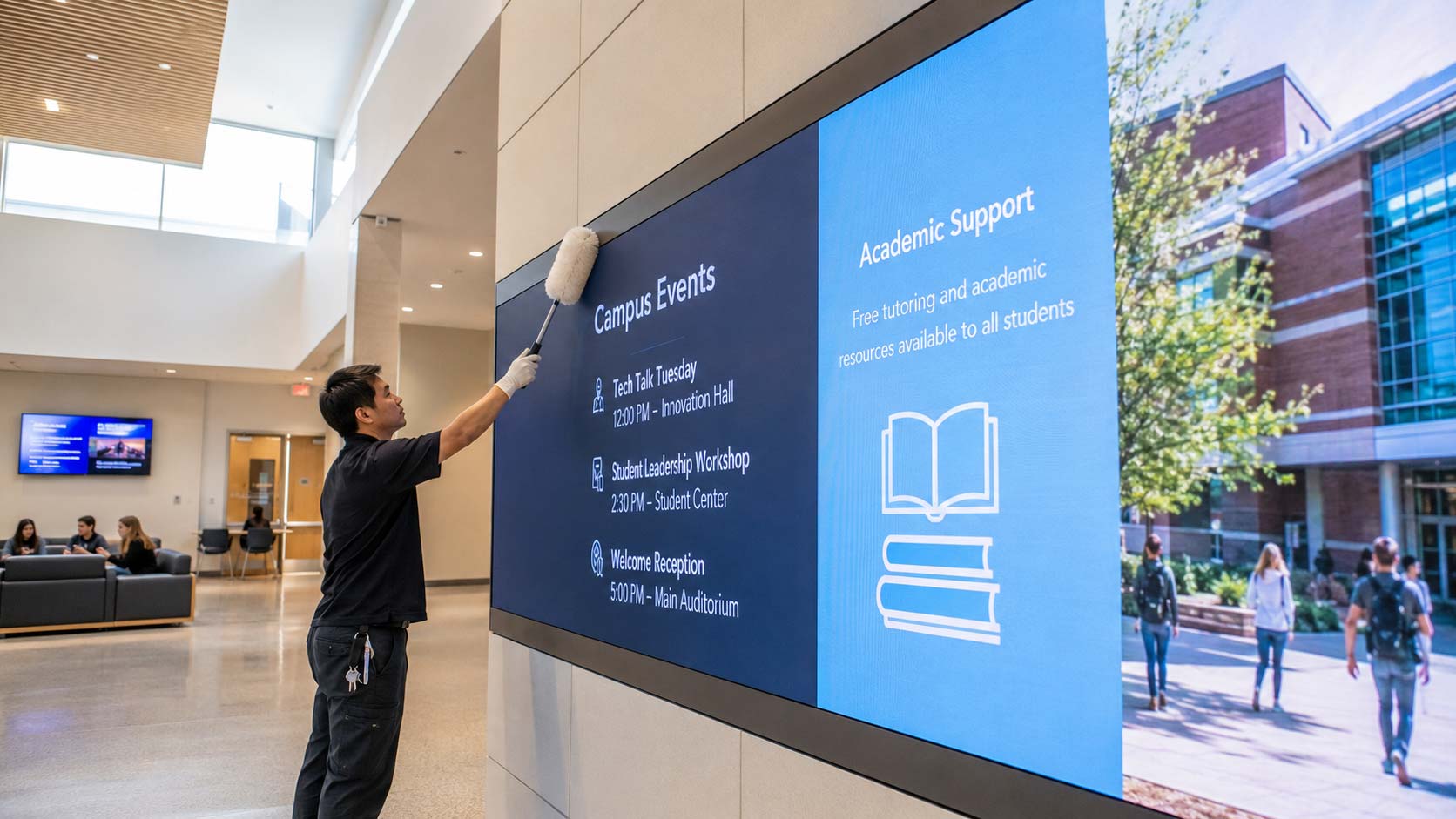
Daily tasks may include scheduled power-up and shutdown, content updates, basic brightness adjustments, visual inspection, and approved surface cleaning. Technical work should remain limited to qualified personnel for calibration changes, mapping-file reconfiguration, internal power-supply replacement, structural adjustments, and critical firmware updates.
That separation is especially important for LED panels because an unnecessary configuration change can create problems that are difficult to diagnose later.
Put Warranty and Support in Writing
Warranty and service commitments should be documented before final acceptance. Written terms give the client a clear reference when a technical issue occurs and eliminate confusion about responsibilities.
The final project file should clearly identify:
- Warranty coverage: components, labor where applicable, LEDs, power supplies, receiver cards, and any exclusions.
- Response times: expected timelines for ticket handling, remote assistance, and on-site service.
- RMA procedures: the process for returning or replacing defective components.
- Support contacts: phone numbers, email addresses, portals, and emergency escalation channels.
For LED devices used in mission-critical communication or revenue-generating environments, these details are part of the operational plan, not administrative paperwork.
A Good Handover Improves Long-Term ROI
A thorough handover is more than a final installation step. It directly affects uptime, staff confidence, maintenance costs, and the useful life of the investment. Even high-quality LED technology and well-designed LED solutions lose value if the client depends on outside support for every basic task or cannot restore service quickly after a minor failure.
An experienced integration partner such as American LED Screens should measure project success by what happens after installation day. The client should be able to operate the system confidently, respond to routine issues, and know exactly when professional support is required.
When training, documentation, spare parts, and access credentials are delivered correctly, LED video walls become easier to manage and more reliable over time. That is what turns a complex installation into a practical, long-term communication asset with stronger ROI.